
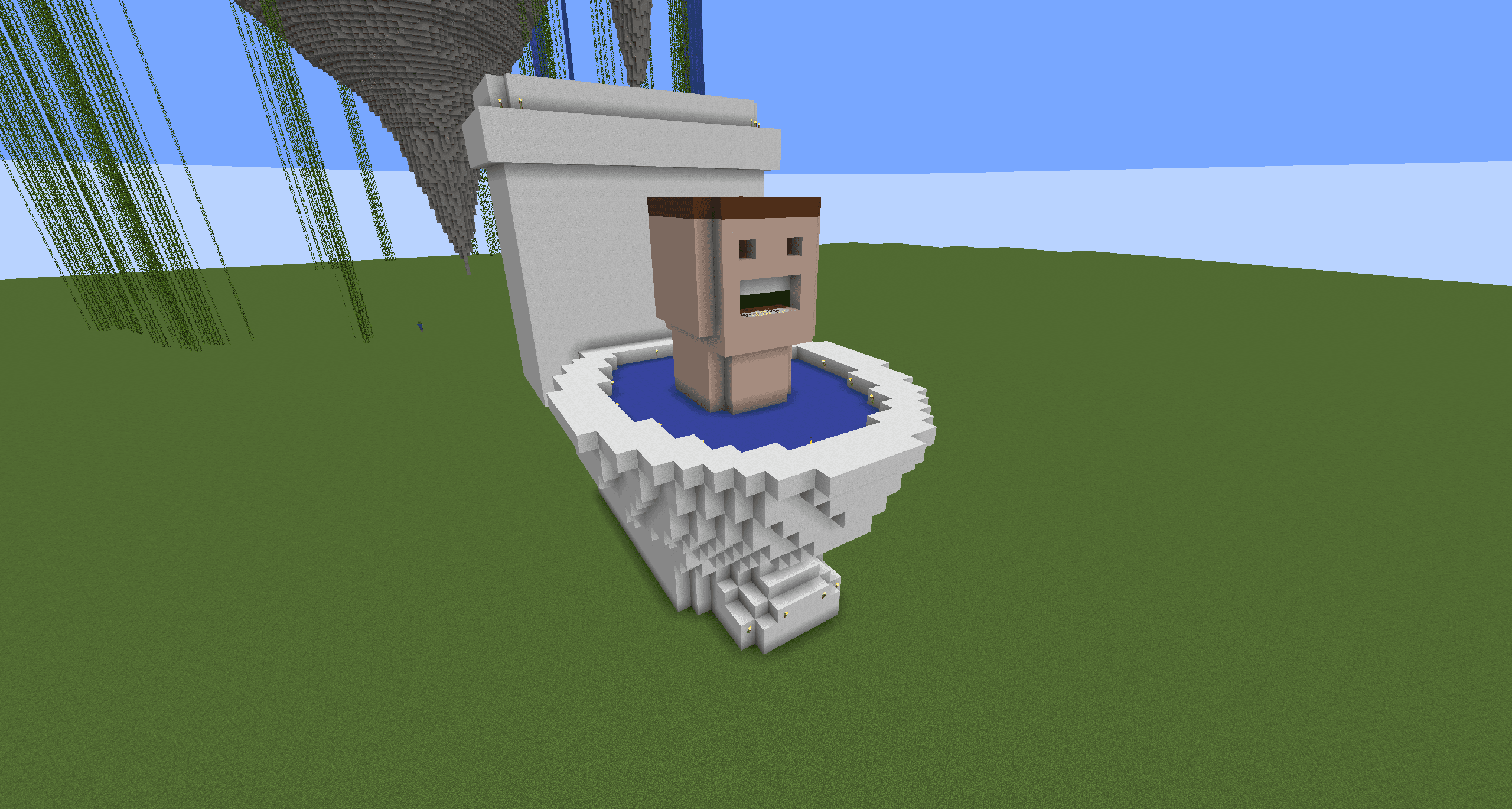
Minecraft, the popular game created by Mojang Studios, is now available with the latest version 1.21. This game offers a gaming experience with action-adventure and sandbox genres, allowing players to explore a vast world, build, survive, fight monsters, and much more. In this latest update, Minecraft introduces new biomes such as Deep Dark and Mangrove, as well as new mobs like the Warden, frogs, and allays. Here’s a complete guide on how to download Minecraft 1.21 for PC, laptop, and mobile phones.
How to Download Minecraft for PC and Laptop
- Download Minecraft Launcher
- Visit this link to download the Minecraft Launcher.
- Make sure you have or create a Mojang account first.
- Minecraft Installation
- Once downloaded, open the Minecraft Launcher and log in to your Mojang account.
- Select the “Installations” tab to view the list of available Minecraft versions.
- Select “Java Edition” then choose “New Installation”.
- Select version 1.21 and click “Download” or “Install”.
- Once finished, you can immediately start playing Minecraft 1.21.
How to Download Minecraft for Android Phones
- Through the Play Store
- Open the Play Store and search for “Minecraft” in the search bar.
- Select “Minecraft” created by Mojang Studios.
- Or click this link to go directly to the Minecraft page on the Play Store.
- Click “Install”, and once finished, the application is already on your Android phone.
- Open the application and start playing Minecraft 1.21.
How to Download Minecraft for iOS Phones
- Through the App Store
- Open the App Store on your iOS device and search for “Minecraft” in the search bar.
- Select “Minecraft” developed by Mojang Studios.
- Or click this link to go directly to the Minecraft page on the App Store.
- Click “Install”, and once finished, the application is already on your iOS device.
- Open the application and start playing Minecraft 1.21 Bedrock Edition.
How to Download Minecraft Trial on Android Phones
- Through the Play Store
- Open the Play Store and search for “Minecraft Trial” in the search bar.
- Select “Minecraft Trial”.
- Or click this link to go directly to the Minecraft Trial page on the Play Store.
- Click “Install”, and once finished, the application is already on your Android phone.
- Open the application and start playing Minecraft Trial for free.
This latest version of Minecraft brings many exciting features that will make your game even more exciting. From creative mode, survival, to multiplayer, all can be enjoyed with the various updates available.
Repiw’s Conclusion
Downloading Minecraft 1.21 is very easy with the guide above. With new features and various exciting updates, Minecraft continues to be a favorite game for many players. Make sure to always check for the latest updates to ensure your playing experience is always optimal. Happy playing and enjoy the adventure in the limitless Minecraft world!
For other tech tips and tricks, visit our site at repiw.com!












