
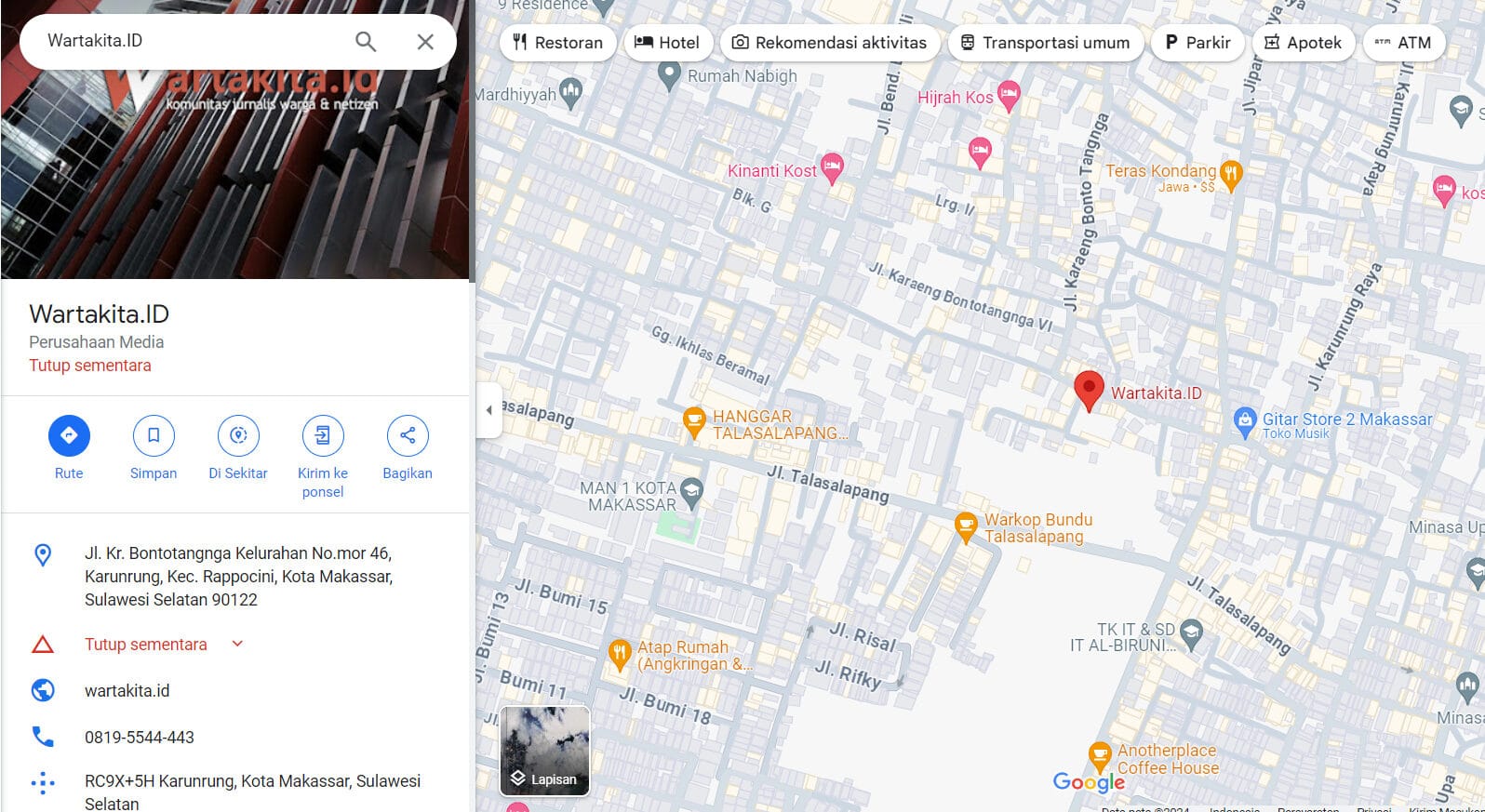
A New Phenomenon on Google Maps: Scammers at Work
Google Maps, a navigation application relied upon by many users, is now facing a new threat in Indonesia. Recently, there have been many reports of fake contact numbers being inserted into business address information. Some users initially thought this was the work of hackers taking over related Google business accounts.
However, this is not actually a Google Maps hack, but rather a fraud committed by scammers who exploit business profiles on Google Maps to deceive customers of the business point.
Scammers Exploiting the “Edit” Feature on Google Maps
This phenomenon is not a hack in the technical sense, but rather a scam. The perpetrators exploit the “Edit” feature on Google Maps, which allows users to submit changes to business information, including contact numbers. Scammers add fake WhatsApp numbers to business profiles, then try to deceive people who contact those numbers. The main targets are businesses that are not well-managed by their owners, such as car rentals, hotels, and other services.
Scammers will find it easier to take action if business owners do not diligently monitor or manage their Google accounts. This provides an opening for scammers to insert false information, either in the form of a phone number or by commenting on customer comments, and then trapping and defrauding them.
Scams on Google Maps: Not Just About Fake Numbers
In addition to fraud targeting users with fake contact numbers, there are also cases where scammers take over Google business accounts. This is more like a hack, where the perpetrators take control of the account and then manipulate the information in it. They can enter fake contacts and even request money transfers from unsuspecting users.
Google Maps relies on user-generated content (UGC), which means anyone can submit changes to business profile information. If business owners do not monitor and maintain their accounts, scammers can act without hindrance. However, the verification system and the “Edit” feature on Google Maps are actually quite safe if used correctly.
Avoiding Fraud on Google Maps
To avoid fraud, there are several tips that can be followed. First, do not immediately trust the contact number listed on Google Maps, especially if there is a request for a money transfer or down payment (DP). Users are advised to check the contact number through applications such as GetContact or visit the business location directly if possible.
In addition, it is important to check bank account numbers before making a money transfer. Sites like kredibel.com and cekrekening.id from the Ministry of Communication and Informatics can be used to verify the authenticity of the bank account number provided. If the information that appears is incomplete or does not match the name of the business owner, there is a high possibility that it is a scammer’s account.
Repiw Conclusion
Google Maps, with all its sophistication and reliability, turns out to have loopholes that can be exploited by scammers. Just like Wikipedia, this platform is communal, allowing anyone to change or add information. However, this is where the problem arises—when the wrong information that has the potential to harm users is not well monitored by business owners.
Therefore, it is important for business owners to diligently monitor their accounts and for users to be more careful when interacting with information found on Google Maps. Don’t let yourself become a victim of this increasingly sophisticated digital fraud.












