
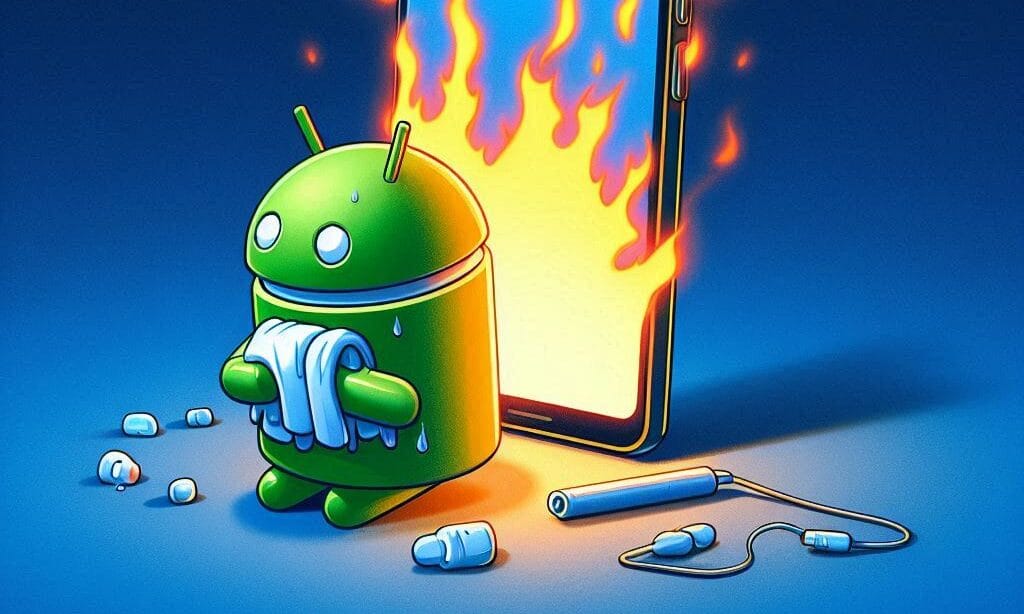
Android phones can quickly become hot for various reasons, and this certainly disrupts the user experience and can even damage the device. However, there are several simple steps you can take to overcome this problem and keep your phone cool and performing well.
- Check Power-Hungry Applications Some applications use a lot of power and cause the phone to heat up. Check the application manager to see which applications consume the most power. Consider disabling or removing unnecessary applications.
- Reduce Screen Brightness High screen brightness levels make the phone work harder and generate heat. Reduce the screen brightness to a comfortable level to reduce the load on the device.
- Turn Off Unnecessary Features Features like Bluetooth, GPS, and Wi-Fi can cause the phone to heat up if they are constantly active. Turn off these features when not in use to reduce heat and extend battery life.
- Regularly Update Software Software updates often bring bug fixes and optimizations that can help reduce heat on the phone. Make sure you always update your software to the latest version.
- Avoid Using the Phone in Hot Places Using the phone in environments with high temperatures or direct sunlight can make the phone heat up quickly. As much as possible, use the phone in a cool and shaded place.
Conclusion Maintaining a cool Android phone is not difficult. By monitoring application usage, adjusting screen brightness, turning off unnecessary features, always updating the software, and avoiding use in hot places, you can ensure your phone remains in optimal condition. Remember, a well-maintained phone not only provides better performance but also extends the life of the device.












