
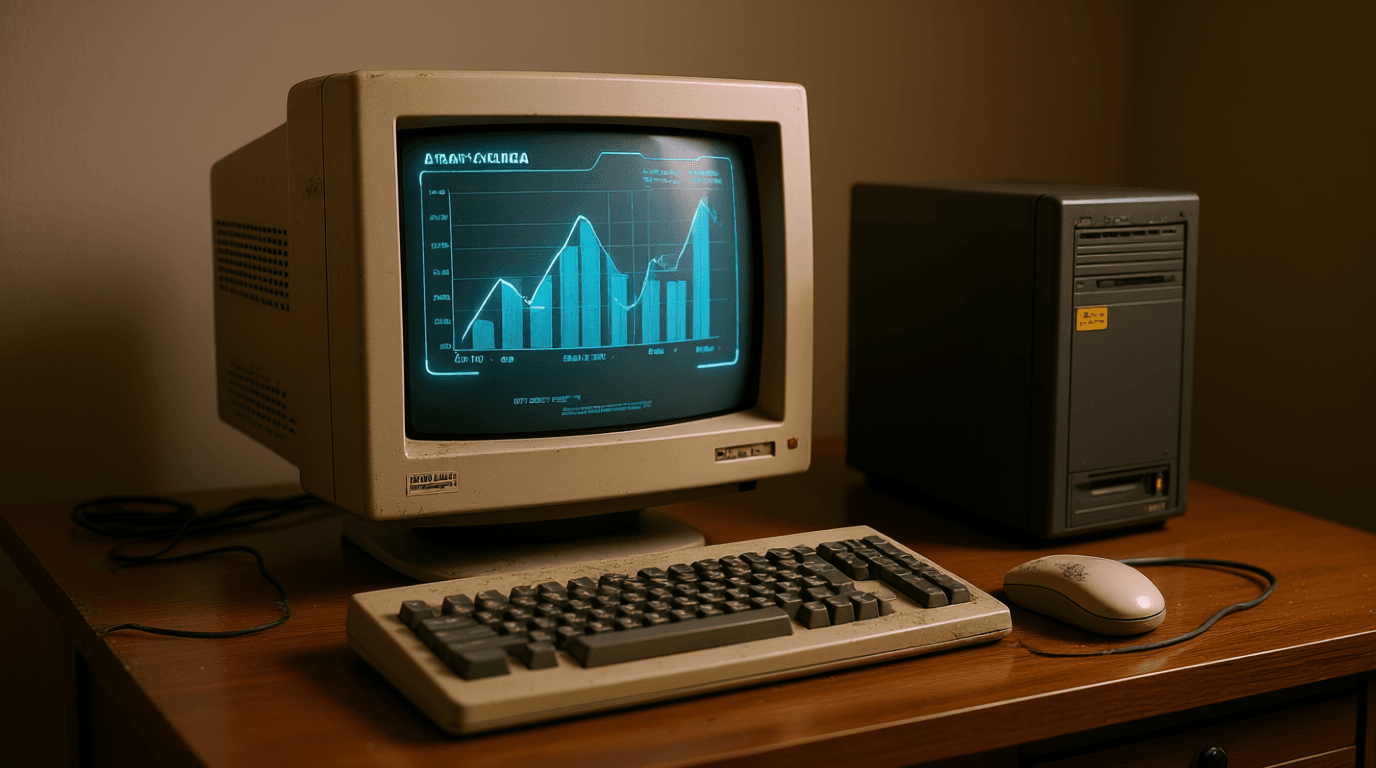
Hello, masters of keyboard and mouse! For those of us who’ve weathered the storms of computing, from the 8086 era until now, we know all too well the feeling of watching our beloved PCs start to gasp for air. But don’t rush to pronounce it dead or send it to the recycling center! Many of our legacy hardware devices still have great potential, they just need a bit of ‘tinkering’ and creativity. Let’s ‘revive’ these veterans with a few tricks from experienced IT professionals.
Back to Basics: Fresh Operating System Install (The Best Is Always Clean!)
Believe me, there’s no better cure than a clean operating system installation. Think of it as a total C: format, like cleaning the hard drive of all bloatware, cruft, and digital junk that accumulates over time. This is a crucial step to restoring performance to like-new condition, or even better.
Before you start, make sure all your personal data is backed up. This isn’t the era of floppy disks or CD-RW anymore, friends. Take advantage of cloud storage services like Microsoft’s OneDrive or Apple’s iCloud. Or, if you prefer the old-school sysadmin method, feel free to move it to an external hard drive or even your personal NAS.
A Quick Guide to ‘Reformatting’ Modern Style:
- On Windows: Open Settings from the Start menu, select Update & Security, then Recovery. Find the Reset this PC option and choose Remove everything for best results.
- On macOS: Click the Apple menu, select System Settings, then General, and Transfer or Reset. Choose Erase All Content and Settings to thoroughly clean your device.
Freeing Yourself from the Clutches of Commercial OS: Time to Look at Linux
For those of you who’ve had enough of the Blue Screen of Death (BSOD) on Windows or the spinning beach ball on macOS, it’s time to try an alternative that’s more ‘resource-friendly’. Linux, the free and open-source OS, is the perfect answer for aging hardware that’s struggling to run the latest versions of Windows or macOS. Linux comes in various ‘flavors,’ which we call distros.
Make no mistake, although it seems ‘technical,’ modern Linux is far easier to use than you might imagine. Certain distros are designed to be very lightweight, so your old computer can run fast, instead of ‘crawling’. There are many lists and comparisons of the best Linux distros for old PCs that you can find, but for starters, we recommend:
- Ubuntu: The most popular distro, with a lot of community support.
- Linux Mint: Similar to Windows, very user-friendly.
- Zorin OS: Designed for easy migration from Windows/macOS.
Fast Transformation ‘Thin Client’ Style: Turn Your Old PC Into a Chromebook with ChromeOS Flex
Want your old PC to feel like a brand new Chromebook? Google has the solution: ChromeOS Flex. This is a version of ChromeOS designed to be installed on your old PC. Yes, it’s also based on Linux under the hood. Installation is very easy, like burning an ISO to a USB then booting from there.
With ChromeOS Flex, your PC will transform into a browser and web app-focused machine. It might sound limited, but let’s be honest, how many of us now spend most of our time in a browser? For basic needs like email, browsing, video conferencing, and even document editing, ChromeOS Flex is a very efficient and fast choice.
More Than Just a PC: Repurposing Hardware for New Functions
If your old PC really can’t function as your ‘main’ PC anymore, don’t be pessimistic! This is a golden opportunity to give it a dignified ‘retirement’ by changing its role. Give it a new function that isn’t too demanding, so that the old hardware stays useful and avoids the electronic waste pile.
Personal Media Server with Plex (Bye-bye Expensive NAS!)
Who says you need an expensive NAS (Network Attached Storage) to manage your media collection? Your old PC can be a robust personal media server with Plex. Think of it like a Novell network from the old days, but much more user-friendly and focused on entertainment! All the core features are free, and configuration is not as complicated as you might think.
Once your PC acts as a Plex server, you simply install the free Plex app on various other devices like phones, tablets, Roku, or Apple TV. Voila! Your favorite movies, music, and photos can now be streamed throughout the house without a hitch. Imagine how practical this is!
Digital Spy: Old PC as a DIY Security Camera
Ever thought about turning your old PC into a ‘spy’ in your home? If your old PC or laptop has a webcam, you can turn it into an effective security camera. Programs like iSpy are the key. With iSpy, you can record live footage to the PC’s hard drive and even access the video feed remotely from wherever you are. A cost-effective DIY CCTV solution!
Minimalist Entertainment Center: Streaming Netflix & Disney+ Without a Smart TV
Even for something as simple as streaming Netflix or Disney+, an old PC can still handle it. It doesn’t require ‘crazy’ processing power just to play video. If you have an old television that doesn’t have smart TV features or built-in apps, your old PC can be an inexpensive external media player. Just connect it using an HDMI cable, and enjoy all your favorite content on the big screen.
So, before you think about throwing away your veteran PC, try some of these tips. With a little touch and understanding, your legacy hardware can become useful again and find new, unexpected functions. Happy tinkering!












