
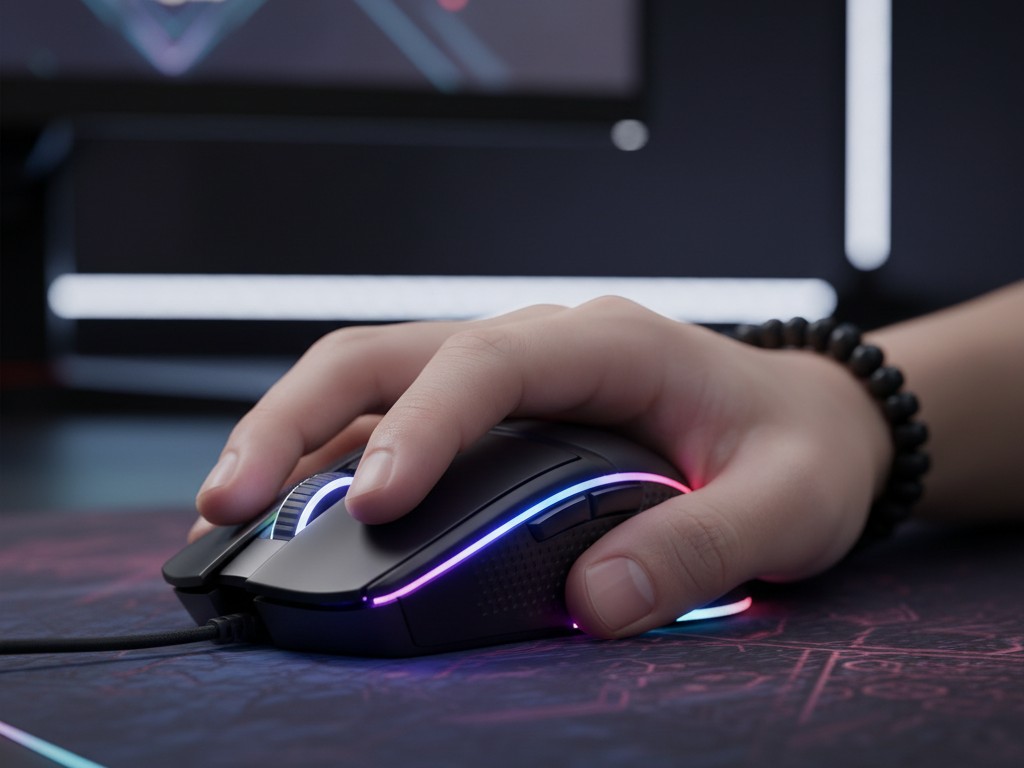
In the competitive world of PC gaming, every millisecond and every pixel matters. Besides mechanical keyboards, a gaming mouse is one of the most important peripherals that directly affects a player’s precision, speed, and comfort. Unlike regular office mice, gaming mice are specifically designed with high-performance sensors, durable buttons, and ergonomic designs for long gaming sessions.
However, manufacturers often bombard potential buyers with various technical terms such as DPI, Polling Rate, and sensor types. Understanding these specifications is crucial for choosing a mouse that truly suits your play style and preferences. This article will thoroughly explain the three main pillars of a gaming mouse.
-
DPI (Dots Per Inch): Sensitivity, Not Accuracy
DPI, or Dots Per Inch, is the most frequently promoted specification. It measures how sensitive the mouse is to movement. A high DPI number means the cursor on the screen will move further with smaller physical movements of the mouse. Conversely, low DPI requires larger physical movements for the same cursor movement.
A common misconception is that higher DPI automatically means a better or more accurate mouse. This is not true. DPI is about sensitivity preference, not sensor quality. Most professional eSports players, especially in FPS games, actually use relatively low DPI settings (usually between 400-1600 DPI) combined with wide arm movements to achieve maximum shot precision.
Modern gaming mice often offer very high DPI ranges (e.g., up to 25,000 DPI or more). While this number is good for marketing, most users will never use it. A more important feature is the presence of on-the-fly DPI buttons, which allow you to change the DPI setting instantly in the middle of a game. For example, using high DPI for quick movements and switching to low DPI when aiming with a sniper.
Why this matters: Understanding that DPI is about personal preference allows you to focus on other, more important factors. Don’t get caught up in the DPI war; look for a mouse that allows you to adjust the DPI to your comfort.
-
Polling Rate (Hz): Reporting Frequency
Polling rate, measured in Hertz (Hz), is the frequency at which the mouse reports its position to the computer. A polling rate of 1000Hz, which is standard for modern gaming mice, means the mouse sends 1000 reports per second, or once every millisecond (1ms).
A higher polling rate results in smoother cursor movement and reduces the lag between your physical movements and the response on the screen. The difference between the standard polling rate of an office mouse (usually 125Hz, or a report every 8ms) and the polling rate of a gaming mouse (1000Hz) is very noticeable. Recently, some manufacturers have introduced mice with polling rates of 4000Hz or even 8000Hz. While technically superior, the real-world benefits for most players are still debatable and can burden the CPU.
Why this matters: A high polling rate (at least 1000Hz) is a must-have for responsive gaming. It ensures that your input is registered by the computer as quickly as possible, which is crucial in games that rely on reaction time.
-
Sensor: The Heart of Precision
The sensor is the most important component that determines how accurately the mouse tracks your movements. There are two main types, although one type has dominated the gaming market:
- Optical Sensors: Use an LED light (usually infrared) and a CMOS sensor to take thousands of images of the surface beneath it every second. Algorithms then compare these images to determine the direction and speed of movement. Modern optical sensors are very accurate, do not experience unwanted acceleration issues, and work well on most surfaces, especially on cloth mousepads. This is the de-facto standard for gaming mice.
- Laser Sensors: Use a laser as a light source. Laser sensors can operate at higher DPI ranges and can track on more diverse surfaces, including glass. However, they are more sensitive to dust and can experience “jitter” or “acceleration” issues (where the cursor moves further when the mouse is moved quickly), which is not ideal for precision gaming.
In addition to the type, also pay attention to metrics such as Max Speed (IPS – Inches Per Second) and Max Acceleration (G). High numbers on both of these metrics indicate that the sensor can track very fast and sudden movements without losing accuracy (spin out).
Other Factors: Ergonomics, Weight, and Connectivity
- Shape and Ergonomics: This is very subjective. Match the shape of the mouse to your hand size and grip style (palm, claw, or fingertip grip).
- Weight: The current trend is towards very light (ultralight) mice, often below 80 grams, which are preferred for FPS games because they reduce fatigue and allow for fast movements.
- Connectivity: Wired mice offer the most reliable connection. However, modern wireless technology (using a 2.4GHz dongle, not Bluetooth) now offers low-latency performance comparable to wired mice, providing freedom without sacrificing responsiveness.
Ultimately, the best gaming mouse is the one that feels most comfortable in your hand and has a reliable sensor. By understanding the meaning behind the technical specifications, you can ignore the marketing jargon and choose a tool that will be an extension of your hand in the digital world.












