
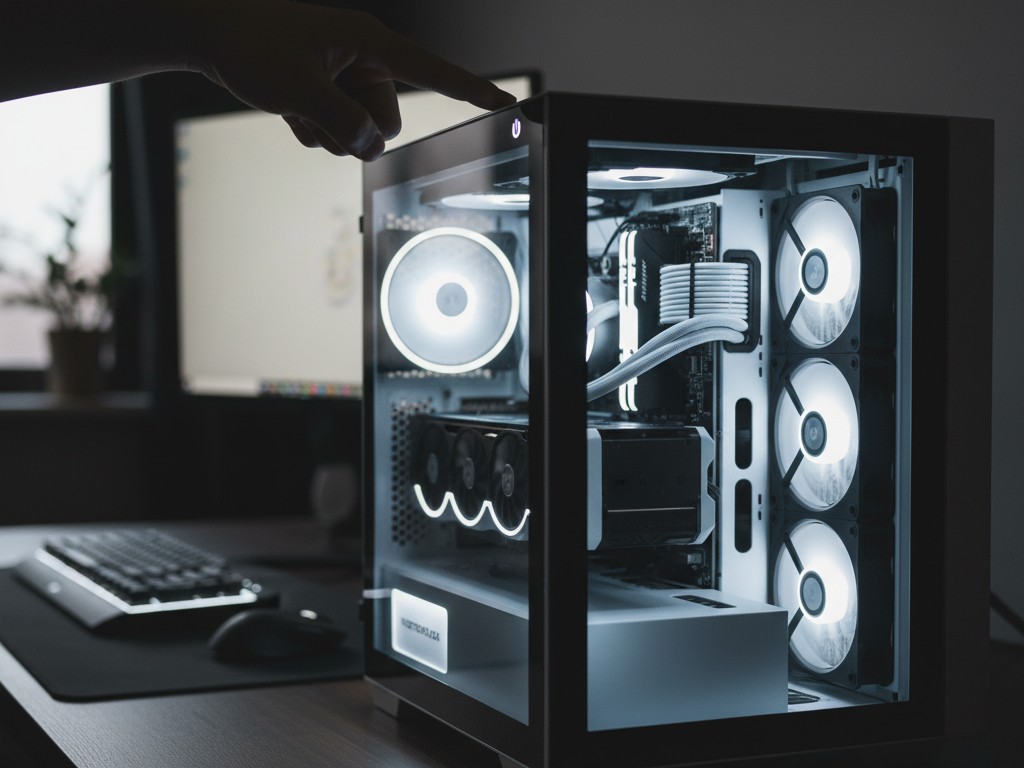
The Art of Crafting Your Dream Machine
Welcome to one of the most rewarding journeys in the tech world: building your own gaming PC. In 2025, building a PC is no longer solely the domain of engineers or hardcore enthusiasts. Thanks to component standardization and an abundance of online resources, the process has become more accessible than ever. It’s an art, a blend of selecting the right components, understanding how they synergize, and the immense satisfaction of pressing the power button for the first time and seeing your custom-built machine come to life.
This guide is your companion from start to finish. I, as a fellow PC builder who has navigated many ups and downs, will walk you through every step. We’ll delve into the philosophy behind choosing each component, demystify technical jargon like “bottleneck” and “XMP,” and provide balanced configuration recommendations for various budgets. The goal is to empower you with the knowledge not just to follow instructions, but to truly understand the ‘why’ behind every choice. Let’s start building your dream rig, component by component.
Chapter 1: Philosophy and Planning – CPU and Motherboard, the Heart and Spine
Before you buy a single component, the most crucial step is planning. At the heart of every PC lie two inseparable components: the CPU (Central Processing Unit) and the Motherboard. Think of the CPU as the brain and the motherboard as the nervous system and spine that connects everything. The choices you make here will define your platform and future upgrade path.
Choosing the Brain: CPU (Intel vs. AMD)
The eternal rivalry between Intel (Team Blue) and AMD (Team Red) greatly benefits consumers. In 2025, both offer exceptional choices.
- AMD Ryzen Series: Known for superior power efficiency and an edge in core count in certain price segments, making them a favorite for workstations that also double as gaming machines. Ryzen CPUs with 3D V-Cache technology (marked with “X3D”) are particularly kings of pure gaming performance.
- Intel Core Series: Often offers slightly higher single-core clock speeds, which can provide a minor advantage in some game titles. Their hybrid architecture (Performance-cores and Efficient-cores) also delivers excellent multitasking performance.
How to choose? For pure gaming, look for the highest single-core speed CPU that fits your budget. If you also stream, edit videos, or do other creative work, a CPU with more cores (8 cores or more) will provide significant benefits. Don’t forget “bottlenecking”: pairing a high-end CPU with an entry-level GPU (or vice-versa) will waste the potential of one of the components.
Choosing the Spine: Motherboard (Chipset and Form Factor)
The motherboard is the foundation upon which all your components will be mounted. Your choice is dictated by the CPU you select.
- Chipset: Each CPU platform (e.g., AM5 for AMD, LGA1851 for Intel) has various chipset tiers (e.g., B650/X670 for AMD; B760/Z790 for Intel). High-end chipsets (X/Z series) offer more PCIe lanes, USB ports, and overclocking capabilities, while mainstream chipsets (B series) provide the best value for most gamers.
- Form Factor: This is the size of your motherboard, which also dictates the size of the case you’ll need.
- ATX: The standard size, offering the most room for expansion.
- Micro-ATX (mATX): Slightly smaller, a popular choice for more compact builds while still offering sufficient expansion space.
- Mini-ITX: Very small, designed for tiny (Small Form Factor) PCs, but often at a premium price.
Ensure your motherboard has enough RAM slots (at least 2, ideally 4), adequate M.2 slots for NVMe SSDs, and rear I/O (Input/Output) connectivity that suits your needs (number of USB ports, Ethernet, etc.).
Chapter 2: Visual Power – GPU, the Most Important Component for Gaming
This is the component where a significant portion of your gaming PC budget will be allocated. The GPU (Graphics Processing Unit) or graphics card is the single component most responsible for how beautiful your games look and how smoothly they run. Your choice here should be based on your target monitor resolution.
- 1080p (Full HD) Gaming: The most popular resolution. You don’t need the most expensive GPU to get a great experience. Cards like the NVIDIA GeForce RTX 4060 or AMD Radeon RX 7700 are fantastic starting points, capable of running almost any game at high settings above 60 FPS.
- 1440p (QHD/2K) Gaming: The “sweet spot” for sharp visuals and high performance. This requires a more powerful GPU. Consider the NVIDIA GeForce RTX 4070 Super or AMD Radeon RX 7800 XT for a smooth 1440p experience with high frame rates.
- 4K (UHD) Gaming: The pinnacle of gaming visuals. This is the most demanding and expensive domain. You’ll need a high-end GPU like the NVIDIA GeForce RTX 4080 Super/RTX 4090 D or top-tier cards from AMD to play modern games at high settings at this resolution.
Beyond raw performance, consider ecosystem features. NVIDIA excels with its more mature Ray Tracing technology and DLSS (Deep Learning Super Sampling), an AI-powered feature that can significantly boost frame rates. AMD offers FSR (FidelityFX Super Resolution), an open-source alternative that is also very effective.
Chapter 3: Memory and Storage – Speed and Capacity
RAM (Random Access Memory): In 2025, the new standard is DDR5 memory. For a gaming PC, 16GB (2x8GB) is the absolute minimum. However, it’s highly recommended to go straight for 32GB (2x16GB). This not only provides headroom for future, more memory-hungry games but also allows for smooth multitasking while gaming (e.g., with Discord or a browser open in the background). Make sure to buy RAM in kits (two sticks) to take advantage of dual-channel speeds and enable the XMP/EXPO profile in the BIOS to run RAM at its advertised speed.
Storage: The era of mechanical hard drives (HDDs) as primary drives is over.
- NVMe SSD: This is the gold standard. These super-fast drives plug directly into the motherboard and offer incredible read/write speeds, drastically reducing game and operating system loading times. Get an NVMe SSD with at least 1TB capacity as your primary drive.
- SATA SSD: If you need more space for your game library, adding a large-capacity 2.5-inch SATA SSD (2TB or 4TB) is a more cost-effective solution than a second NVMe SSD.
Chapter 4: Power and Housing – PSU, Case, and Cooling
PSU (Power Supply Unit): Never underestimate the importance of the PSU. This is the component that delivers clean, stable power to all your expensive hardware. Buying a cheap PSU is a recipe for disaster. Opt for a PSU from reputable brands (like Seasonic, Corsair, be quiet!) with at least an 80+ Bronze efficiency certification, and 80+ Gold as a recommendation. Use an online PSU calculator to estimate the wattage you need based on your chosen CPU and GPU, then add around 100-150W for headroom.
Case: The case is about balancing aesthetics and functionality, especially airflow. Cases with mesh front panels generally offer the best cooling performance. Ensure your case is large enough to accommodate the length of your graphics card and the height of your CPU cooler.
Cooling: Modern CPUs can get very hot under heavy load.
- Air Cooler: Large tower air coolers from brands like Noctua or DeepCool often offer the best cooling performance for their price, as well as exceptional reliability.
- AIO Liquid Cooler: AIOs use liquid to transfer heat from the CPU to a radiator. They often offer a cleaner aesthetic and can be more effective in smaller cases, but have more potential points of failure (pump, leaks) compared to air coolers.
Conclusion: You Are the Creator
Building a PC is more than just assembling electronic components; it’s a statement of your passion for technology and gaming. You’ve built a tool perfectly tailored to your needs. The sense of ownership and understanding you gain from this process is unparalleled. Now, after all that hard work, it’s time for the most important part: install your operating system, download your favorite games, and enjoy the incredible machine you’ve built with your own hands. Welcome to the PC Master Race.












