
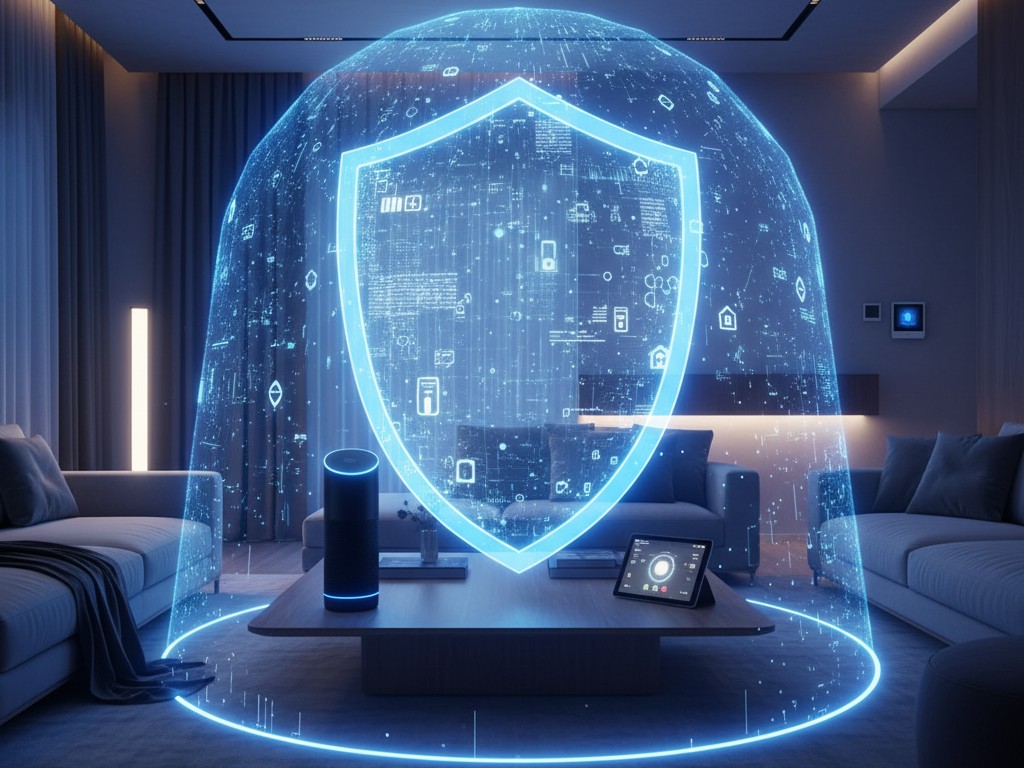
Crazy, isn’t it, these days? All the devices in your home can now connect to the internet. From lights, ACs, smart speakers, even refrigerators. Honestly, as a tech freak, I’m really happy. Life has become practical. On the way home, you can turn on the AC in advance. When you get home, it’s already cool. But on the other hand, I often think, “Is this all safe?”
Every device connected to the internet is like adding a new window to your house. The more devices, the more windows. It’s convenient, but if it’s not locked properly, it’s like inviting a thief in. The difference is, thieves in the digital world don’t take physical items, but personal data, camera access, or can even control your home remotely. Scary, right?
That’s why, in this article, I want to share some mandatory rituals that I always do to ‘lock’ all the digital windows in my smart home. This isn’t meant to scare you, but so we can enjoy technology with peace of mind. Let’s get this bread!
-
- Password is King, Change the Factory Default!
This may sound cliché, but I swear, this is the most fatal and most frequent mistake. Every new smart home device usually comes with a default password like “admin” or “12345”. Hackers already have a list of these passwords. Once they know there’s a new device online on your network, they will try all those default passwords. You’ll also like this: Use a password manager to create and store complex passwords for each device. So you don’t have to worry about memorizing them. Create a combination of upper and lower case letters, numbers, and symbols. At least 12 characters. Mandatory!
-
- Create a Dedicated “RT” for Smart Home Devices (Guest Network)
This is my favorite trick. Think of your Wi-Fi router as the main gate of the housing complex. Well, inside, you have the main house (where your laptop, PC, HP connect) and there’s a ‘security post’ or ‘guest house’ specifically for smart home devices. In most modern routers, this is called the “Guest Network” feature.
Why is this important? If, God forbid, one of your smart home devices is successfully hacked, the hacker will only get stuck in the ‘guest house’. They won’t be able to peep or attack your work laptop or HP that’s in the ‘main house’. This is like creating a security barrier, so the risk doesn’t spread.
-
- Firmware Updates Are Like Vaccines
Often get the notification “Firmware update available”? Don’t skip it! Think of the update as a vaccine for your device. Developers don’t just randomly release updates. Usually, the content is a ‘patch’ for newly discovered security vulnerabilities. If you don’t update, your device is like someone unvaccinated in the middle of an epidemic. Very easy to get ‘sick’ or hacked. Activate the auto-update feature if there is one, so you don’t forget.
-
- Turn Off Unnecessary Features
Many smart home devices have tons of features, one of which is access from outside the home network (remote access). Cool, you can turn on the lights from the office. But, try asking yourself, “Is it that important?” If you rarely or never use that feature, it’s better to turn it off. Every feature that opens a connection to the internet from the outside adds another potential ‘door’ to be infiltrated. Reduce unnecessary doors, reduce the risk.
-
- Activate Two-Factor Authentication (2FA)
If a password is a door key, 2FA is an additional padlock plus the alarm. If there is a smart home management application that offers 2FA (such as Google Home or Alexa), activate it immediately! This means that every time someone tries to log in to your account from a new device, they don’t just need a password, but also a verification code sent to your HP. This is the most effective way to block login attempts from mischievous people. You’ll also like this because you get a notification every time there’s a login attempt, so you can immediately be vigilant.
The point is, having a smart home must be balanced with ‘smart’ habits too. Security isn’t something that’s set once and for all, but an ongoing process. By doing the five rituals above, at least you’ve built a much stronger defense. So, you can really enjoy the convenience of technology without any worries.












