
Amidst Apple and Google’s best efforts to maintain user security and privacy, hackers are constantly finding new ways to threaten the security of our smartphones. From malicious apps to sophisticated spyware, these threats are becoming increasingly diverse and complex. Therefore, it’s crucial for us to remain vigilant and follow best security practices.
One of the most dangerous threats is phishing attacks and identity theft. To avoid them, you should always be cautious when checking emails or text messages. Do not carelessly click on links from unknown senders. Also, be sure to check the ratings and reviews of apps before downloading them, especially on Android phones, to avoid malicious apps.
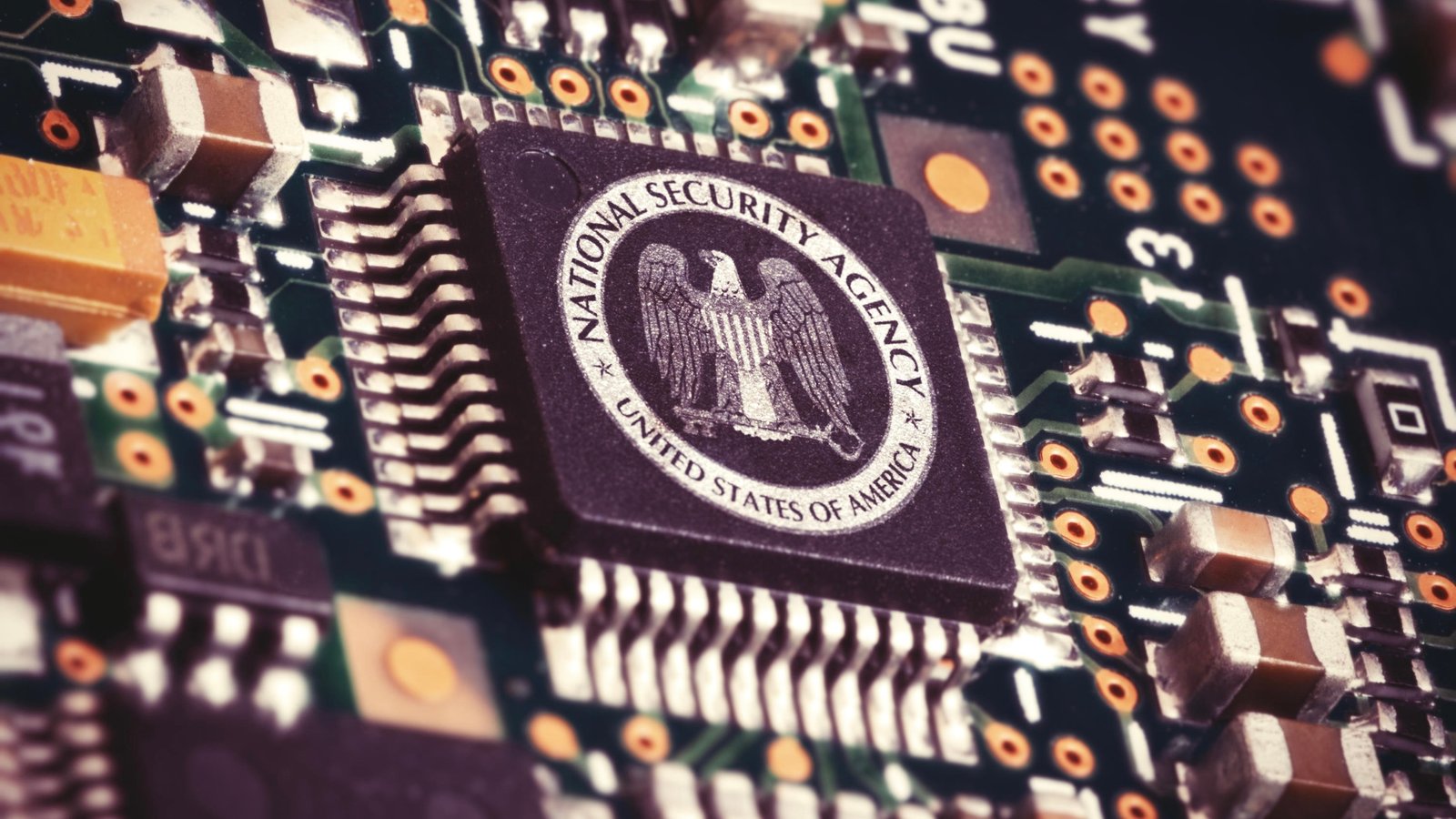
Even if you already practice excellent cyber hygiene, such as avoiding suspicious links and using a VPN when connected to public Wi-Fi, there are still other ways hackers can infiltrate your device. One often overlooked tip from the US National Security Agency (NSA) is to regularly restart your phone. The NSA has long recommended this simple practice, and although it may seem trivial, it can be effective in maintaining phone security.
Why Restarting is Important?
Hackers are increasingly using zero-click exploits, which can infect your phone without requiring any action from the user. These exploits usually exploit zero-day vulnerabilities that have not yet been patched by device manufacturers. For example, Pegasus, spyware developed by the NSO Group, utilized this kind of vulnerability to spy on high-value targets like CEOs and politicians.
Zero-click exploits work by sending specifically modified messages or images to your phone. Even if you don’t open the message, your phone can still be infected. Restarting your phone periodically can help prevent this kind of attack, although it’s not a perfect defense method.
How Often Should You Restart Your Phone?
The NSA recommends that you restart your phone at least once a week. You can set up a reminder in your calendar or create an automation on your phone to ensure that you don’t forget to do it. On an iPhone, you can even create an automation that will restart the device at a time you choose.
Additional Tips for Mobile Security
- Enable Google Play Protect (for Android users): Google Play Protect automatically scans all installed apps on your phone and new downloaded apps to ensure there is no malware. This is a free service that comes pre-installed on most Android phones.
- Use Antivirus Apps: If you want extra protection, consider using the best antivirus apps that provide additional features like VPNs and password managers.
- Update Devices Regularly: Make sure you always install the latest software updates as soon as they are available. These updates often include important security patches to protect your device from new exploits.
- Be Careful with Sideloaded Apps: Avoid installing apps from unknown sources, especially on Android phones. These apps may not undergo strict security checks like apps in the Google Play Store.
- Use Antivirus Software for iPhone: Because Apple prevents iOS apps from scanning for malware, you can use Mac antivirus software to scan iPhones or iPads. However, the device must be connected to the Mac using a USB cable.
Conclusion
Mobile security is something that should always be prioritized, especially in this digital age where hackers are becoming more sophisticated. Regularly restarting your phone, along with other precautions such as using antivirus software and updating software, can help protect you from hacker threats. By being proactive, you can maintain the privacy and security of your data on your phone, whether it’s an iPhone or Android.












