
In today’s digital age, efficient PDF document management is a crucial foundation for productivity across various sectors, from law and education to corporations. For users within the Apple ecosystem, having a tool that can manage and edit PDFs across devices is a necessity. An application like PDF Professional stands out as a comprehensive solution, designed to streamline workflows on Mac, iPad, and iPhone.
Editing and Interactive Collaboration: Transforming Static PDFs into Dynamic Documents
One of the core features of this application is its ability to directly edit text, images, and links within PDF documents. This feature is essential for readers because it allows for precise document adjustments without the need to convert to other formats, saving time and maintaining the integrity of the original format. Furthermore, annotation features, including adding comments, highlights, and notes, facilitate effective team collaboration and in-depth personal review. These capabilities transform previously static PDF documents into interactive and dynamic workspaces, essential for workflows that require feedback or ongoing revisions.
Document Organization and Flexible Conversion: Limitless Workflow Efficiency
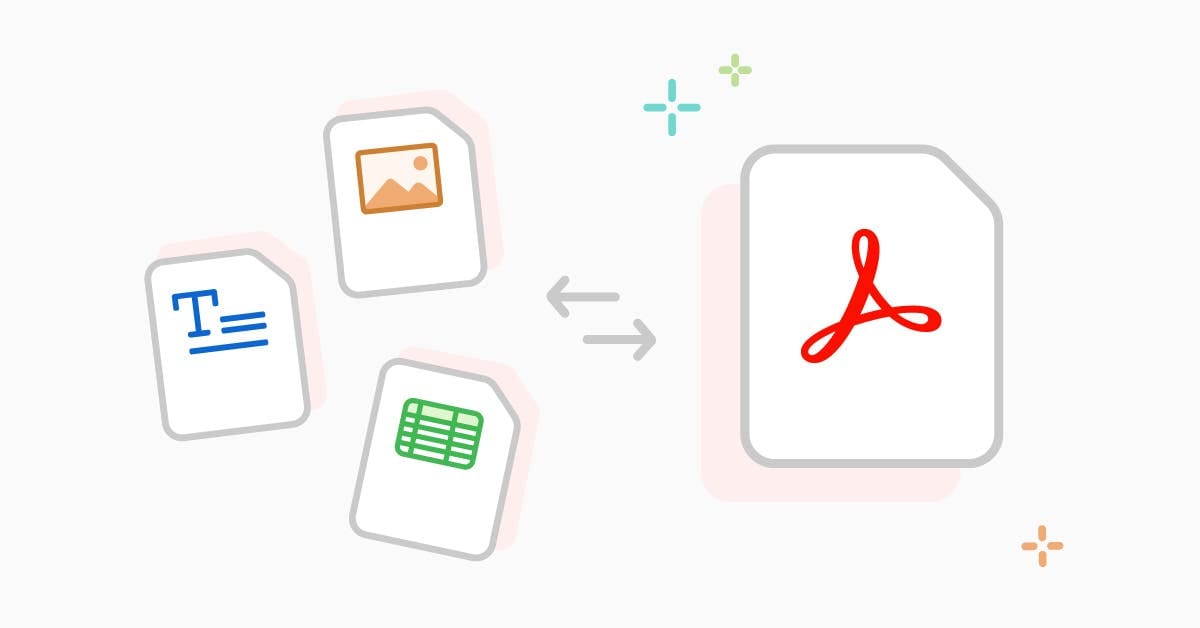
In addition to direct editing features, PDF Professional also excels in file organization aspects. Users can easily merge multiple PDF files into a single cohesive document, rearrange page order, or even split large documents into smaller, more manageable files. Why is this important for readers? This flexibility is invaluable for compiling complex reports from various sources or for breaking down lecture materials into more digestible parts. Conversion functions to and from popular formats like Word, Excel, and PowerPoint are also crucial, ensuring a smooth workflow without format barriers, allowing users to work with the format that best suits their needs.
Digital Solutions for Forms and Signatures: Towards a Paperless Era
For professionals and students who frequently deal with forms and contracts, this application provides tools to fill out and digitally sign documents. This is important for readers because it eliminates the need to print, manually fill out, and rescan physical documents, a process that is time-consuming and resource-intensive. The transition to digital signing significantly improves operational efficiency and supports paperless initiatives, accelerating approval and documentation processes.
Apple Cross-Device Synergy: Productivity Anywhere
Another key advantage is the complete integration within the Apple ecosystem. With all these features encapsulated in one intuitive interface on Mac, iPad, and iPhone, PDF document management becomes easier and more efficient than ever before. Why is this crucial for readers? Cross-device synergy means users can start work on one device and continue on another without interruption. This ensures workflow consistency and document accessibility anytime, anywhere, which is a key pillar of mobility and high productivity in a modern work environment.












