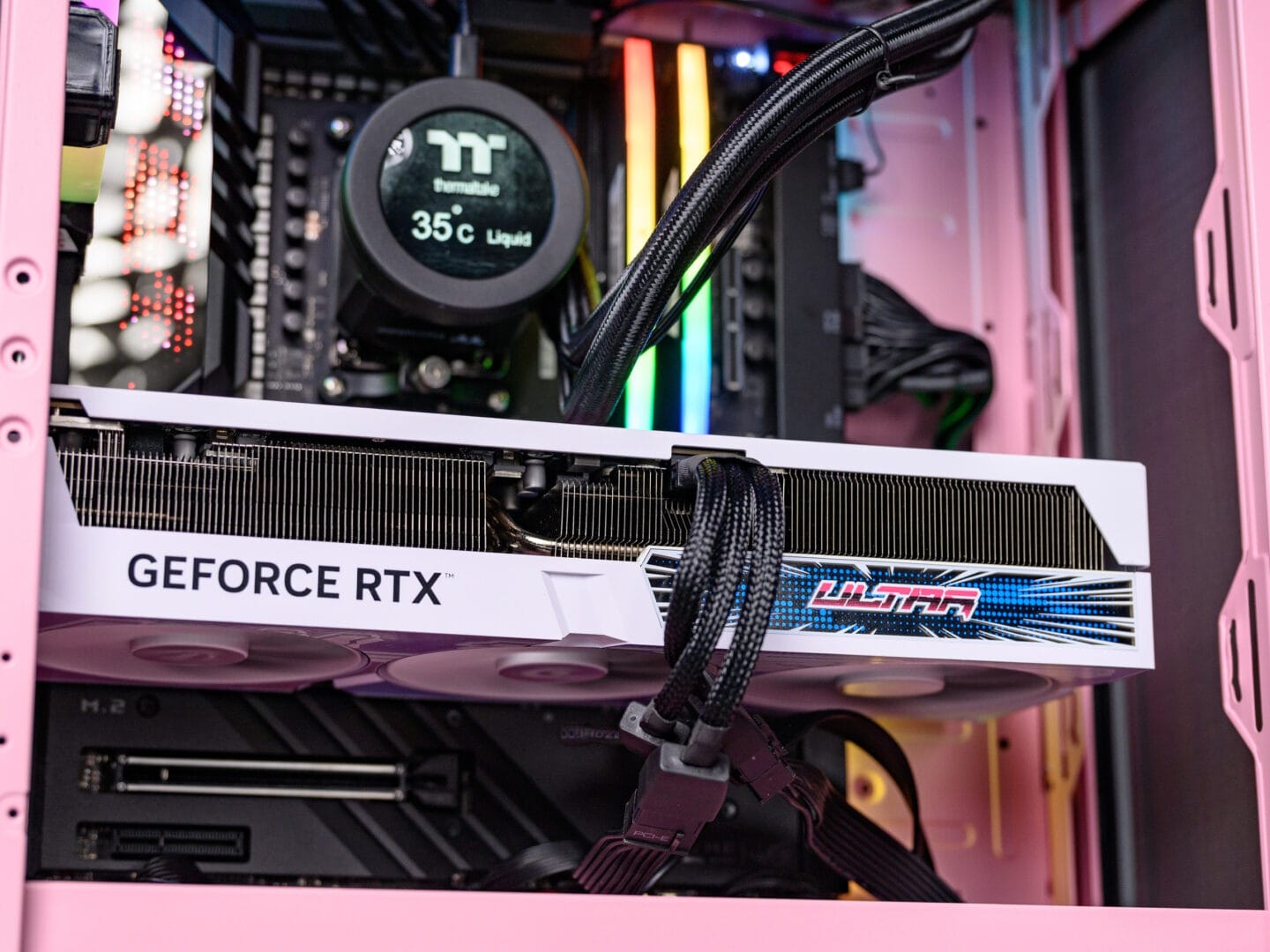
Ready to dive deep into your PC’s internals? Ever wondered about the nitty-gritty of each component that makes your computer a powerhouse? In this article, we’re going to break down modern PC components, piece by piece—from its brain (CPU) and backbone (motherboard) to the essential parts that deliver a buttery-smooth gaming or multitasking experience. So, grab your digital scalpels, and let’s tear down this “magic machine”!
The Computer’s Brain: CPU (Central Processing Unit)
The CPU is the heart of your PC, diligently executing instructions and processing data to keep every command running smoothly.
- Key Players: Intel vs. AMD – the battle of two tech giants.
- Key Specs to Watch: Pay attention to clock speed, core count, and cache, all tailored to your needs.
- Pro Tip: While more cores are enticing, always choose based on your actual needs. Gaming or rendering? Also consider balancing your CPU with your GPU to avoid bottlenecks.
The System’s Backbone: Motherboard
The motherboard is the central hub connecting all your components. Without it, your CPU, GPU, and RAM would just be fancy paperweights.
- Function: Unites all components into a single, cohesive system.
- Key Features: Socket type, chipset, and expansion slots are crucial factors to check for compatibility.
- Form Factor: ATX, Micro-ATX, Mini-ITX – different sizes for different needs. Ensure you pick a size that fits your case.
The Machine’s Muscle: RAM (Random Access Memory)
RAM is your PC’s short-term memory, holding data for immediate access. The more RAM you have, the better your PC handles multitasking.
- Types: DDR4 is still common, but DDR5 is gaining popularity.
- Minimum Capacity: Start with 8GB for general users, 16GB for a smoother overall experience.
- Fun Fact: More RAM means more browser tabs! But remember, there’s a point of diminishing returns.
The Storage Drawer: Storage (HDD/SSD)
This is where your computer tucks away all your data, from the operating system to your cherished photo collection.
- HDD vs. SSD: HDDs are cheaper with massive capacities, while SSDs offer superior speed and reliability.
- NVMe SSD: The fastest storage available, ideal for maximum performance.
- The Best Combo: Pair an SSD for your OS and an HDD for bulk data – this strikes a perfect balance between performance and capacity.
Graphic Powerhouse: GPU (Graphics Processing Unit)
The GPU is a fan-favorite for gamers and creators alike. It’s the engine that renders all your images, videos, and animations.
- Key Players: NVIDIA and AMD, offering diverse options to fit various needs and budgets.
- Specs to Consider: Look at VRAM, clock speed, as well as CUDA Cores (for NVIDIA) or Stream Processors (for AMD).
- Remember: Don’t let a powerful GPU be bottlenecked by a weak CPU. Ensure all your components are in harmony for optimal performance.
Keeping it Cool: Cooling System
To keep your PC running cool and performing optimally, a robust cooling system is non-negotiable.
- Types: Air coolers are more affordable and sufficient for most users. Liquid coolers offer superior efficiency but are more complex.
- Key Elements: Your CPU cooler, case fans, and thermal paste all play crucial roles in maintaining stable temperatures.
The Power Source: Power Supply Unit (PSU)
The PSU delivers the juice needed to power every single component in your system. Investing in a quality PSU is a smart long-term move.
- Important Specs: Check the wattage and efficiency rating (80+ Bronze, Gold, or Platinum).
- Modular or Non-Modular: Modular PSUs offer cleaner cable management.
- Remember: A good PSU can outlast several builds. Don’t cheap out on this critical component!
The Enclosure: PC Case
While aesthetics matter, your PC case is more than just a pretty face; it significantly impacts cooling performance and component protection.
- Types: Full tower, mid tower, or mini-ITX – match the size to your needs and components.
- Key Features: Airflow, cable management, and expansion options are critical determining factors.
- Aesthetic Tip: Who doesn’t love a sharp-looking PC? Consider a design that complements your personal style.
The Extras: Value Adders
A few optional additions that can elevate your PC experience.
- Sound Card: For audiophiles craving optimal audio quality.
- Network Card: For more stable Wi-Fi or high-speed Ethernet capabilities.
- RGB Lighting: An aesthetic touch to make your PC look even cooler.
Build vs. Buy: Assemble or Purchase?
Now that you’re familiar with the components, the next big decision is whether to build your own PC or buy a pre-built system.
- Pros of Building: More flexibility, potential cost savings, and a valuable learning experience.
- Pros of Buying Pre-Built: Convenient, comes with a comprehensive warranty, and minimal compatibility risks.
- Remember: There’s no right or wrong answer. Align your choice with your preferences and budget.
Tips for Choosing Components
Some practical advice for those embarking on their PC building journey.
- Budget: Set a clear budget, then prioritize components accordingly.
- Compatibility: Double-check using tools like PCPartPicker.
- Reviews & Benchmarks: Research component reviews and performance benchmarks.
- Future-Proofing: Don’t forget to consider future upgrades.
- Balance: Prevent bottlenecks by ensuring a good balance between your CPU, GPU, and RAM.
The Future of PC Components
PCs are in a constant state of evolution. Looking ahead, components like DDR5 RAM, PCIe 5.0, and even more efficient GPUs and CPUs are poised to become mainstream. New technologies focusing on power efficiency and eco-friendly components are also continuously being developed.
Editor’s Takeaway (Repiw): Ready to Build Your Dream PC?
This covers the complete anatomy of modern PC components you’ll need to know before diving into your build. From picking the perfect CPU and harmonizing components to constructing a robust, resilient machine – every step is a rewarding experience. Building your own PC isn’t just about assembly; it’s about crafting a machine perfectly tailored to your needs, whether it’s for hardcore gaming or demanding professional work.
So, ready to build? Grab your anti-static wristband and prepare to welcome the dream PC that will become the heart of your digital adventures!