
The Essence of Data Mobility: Beyond Cables, Embracing Wireless
In an increasingly complex and dynamic digital landscape, the ability to transfer information between devices is no longer just a convenience, but a fundamental prerequisite for productivity and efficiency. From the era of floppy disks to USB cables, the data transfer process has always evolved. However, at this point, we are witnessing a significant paradigm shift: from reliance on physical connections that are fragile and often limiting, towards the freedom of adaptive and responsive wireless connectivity. Why is this shift so crucial? Because it is not only about eliminating the hassle of finding the right cable, but about optimizing workflows, minimizing operational obstacles, and ensuring the continuity of data access anywhere and anytime. For you, this means transferring high-resolution photos, crucial documents, or gigabyte-sized videos from your Android phone to your laptop can now be done with unprecedented speed, security, and ease. Let’s delve deeper into how modern wireless technology is answering the challenge of data mobility.
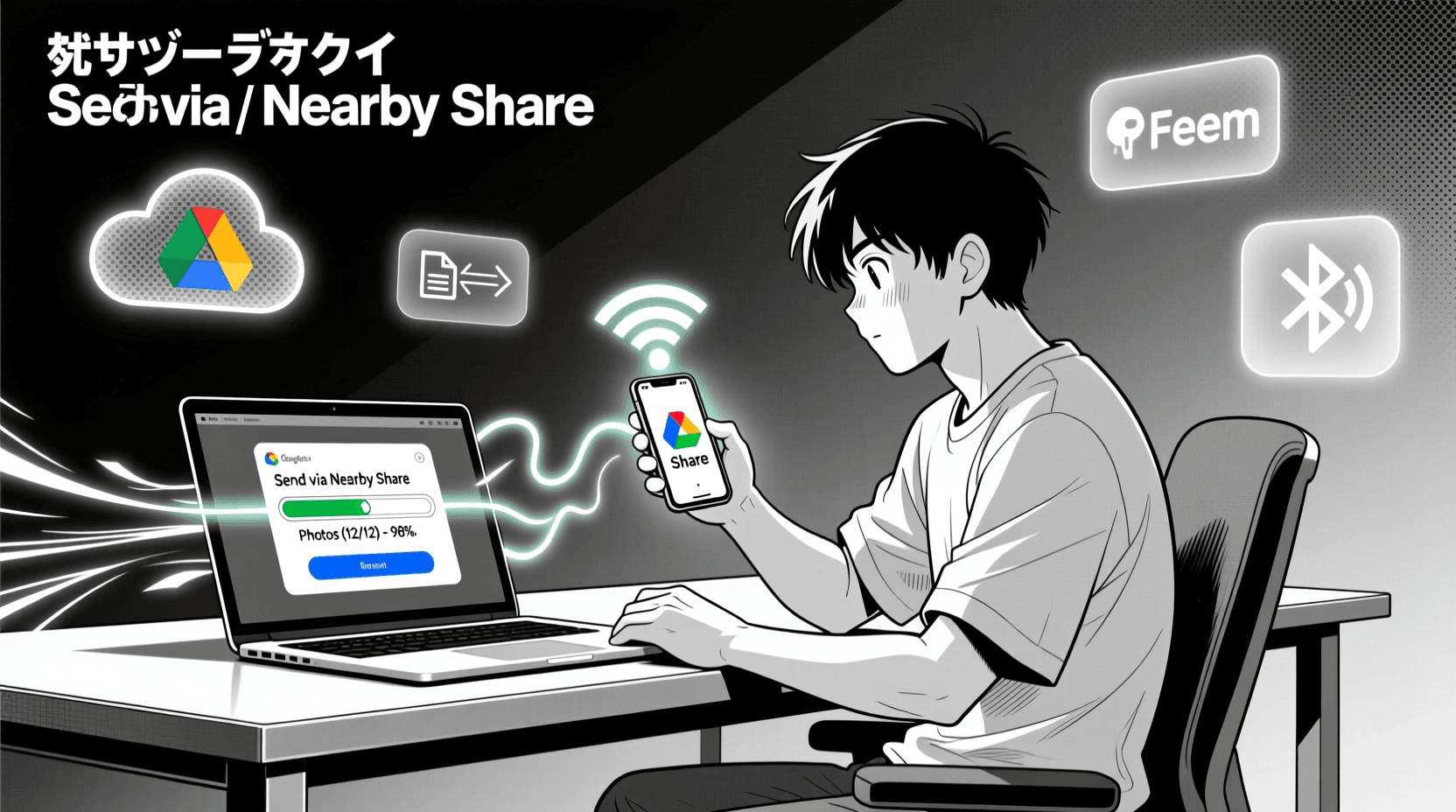
- Dedicated Transfer Applications: Wireless Bridges Based on Local ProtocolsOne of the main foundations in the modern wireless transfer ecosystem is through dedicated applications designed to create efficient communication bridges between devices. Take Nearby Share from Google (which is also compatible with Windows via application or system integration) or AirDroid; both represent an evolution from fragmented data transfer methods. Why is this method so popular and effective? Because these applications utilize your local network infrastructure – specifically Wi-Fi Direct or Local Area Network (LAN) connections – to build direct peer-to-peer data paths between devices. This means that data does not need to travel far through external servers, so low latency and transfer speeds can be maximized, even for gigabyte-sized files. The process is very intuitive: once the device is found and authorized (a crucial security feature), you simply select the file on your phone, share it through the application, and receive it on your laptop. The long-term impact? Reduced waiting time, instant productivity improvement, and minimal need for physical cables, effectively creating a leaner and more seamless work ecosystem.
- Cloud Storage Services: Global Architecture for Universal AccessIf local applications offer speed and efficiency in a limited network, then cloud storage services such as Google Drive, Microsoft OneDrive, or Dropbox provide a different dimension: universal accessibility. This method works based on a client-server architecture, where your files are uploaded from your Android device to a globally distributed data center (data center), and can then be accessed and downloaded again from any device, including your laptop. Why has cloud storage become an irreplaceable solution? First, it provides robust data redundancy, serving as an automatic and secure backup that reduces the risk of local data loss. Second, its flexibility in accessing files from anywhere in the world, as long as there is an internet connection, is changing the way we collaborate and work remotely. The long-term impact? Cloud storage is not just a transfer tool, but a backbone for data sustainability strategies, effective team collaboration, and centralized information security. Although transfer speeds are highly dependent on the quality and stability of your internet connection—an important consideration for very large files—the advantages in terms of accessibility, security (through data encryption at rest and in transit), and collaboration capabilities far outweigh these limitations.
- Local P2P Transfer: Maximum Speed Without Internet DependenceWhat if you need super fast data transfers, especially for large files like 4K videos or project directories, but without a stable internet connection or even without access to an external network? This is where applications that utilize local Peer-to-Peer (P2P) transfer mechanisms like Feem or Resilio Sync show their superiority. Why is this method so vital in certain scenarios? Because it cleverly creates a direct “mini-network” between your devices via local Wi-Fi (often utilizing Wi-Fi Direct capabilities if supported by the hardware), without having to route data through a router or internet server. This is pure device-to-device data transfer. The impact? The resulting transfer speeds can reach the theoretical limit of the Wi-Fi standard used, far exceeding conventional internet speeds. This is crucial for efficiency in remote locations, environments with limited bandwidth, or when local data privacy is a top priority. By eliminating dependence on external infrastructure, you gain full control over speed and data paths, making it an ideal solution for time-sensitive, high-capacity data transfer scenarios.
- Bluetooth: Universal Short-Range ConnectivityAlthough perhaps not the fastest in terms of throughput, Bluetooth remains a very universal and practical wireless transfer method, especially for small files or in situations where Wi-Fi is not available. Why is Bluetooth still relevant? This technology enables data communication via short-range radio waves, creating direct ad-hoc connections between devices after the initial pairing process. This means you don’t need an external Wi-Fi network or an internet connection. The impact? For light documents, single photos, or contacts, Bluetooth offers a simple and fast solution. However, what about its limitations and impact on large-scale data transfers? Bluetooth transfer speeds, especially on older versions, are much lower than Wi-Fi or direct connections via applications. Therefore, although essential for convenience and availability on almost every device, it is not ideal for moving gigabyte-sized video files or folders with hundreds of items. Bluetooth is a strategic choice for “fast lightning transfer” that doesn’t require high throughput, making it a complement, not a replacement, for faster methods.
- FTP/SFTP Server on Android: Turning Your Phone Into a Network ResourceFor users who want greater control and a more integrated approach to networking, turning an Android device into an FTP (File Transfer Protocol) or SFTP (SSH File Transfer Protocol) server is a very powerful method. Why is this approach important and what is its impact? By using an FTP server application on Android, you are essentially making your phone accessible as a network resource from your laptop (e.g., via File Explorer in Windows or Finder on macOS), as long as they are on the same Wi-Fi network. This eliminates the need to install a dedicated client application on the laptop for each transfer. You can browse, upload, and download files as if your Android was a shared folder on the network. The technical implications? FTP is a proven protocol for file transfers, and with SFTP, you get an additional layer of security through encryption, which is crucial for sensitive data transfers. This method offers excellent flexibility for mass file management, making it an ideal choice for users who frequently interact with complex folder structures or need persistent access to their phone’s storage from their laptop.
The Future of Data Transfer: Efficiency, Flexibility, and Security at Your Fingertips
The evolution of wireless data transfer methods is not just about convenience, but a manifestation of the ever-increasing need for efficiency and flexibility in managing information. From dedicated applications that optimize high-speed local transfers, to cloud services that guarantee universal access and data redundancy, and P2P solutions that offer extreme privacy and speed without internet dependence—each method has its strategic role. For you, this means more options for optimizing workflows, increasing productivity, and ensuring your data is always available in the right place, at the right time, with the appropriate level of security. As Warteknet, we see this not just as a feature, but as the foundation of an adaptive personal and professional IT infrastructure of the future. The ability to choose the most appropriate method according to your specific needs is the key to mastering the ever-evolving digital landscape.












