
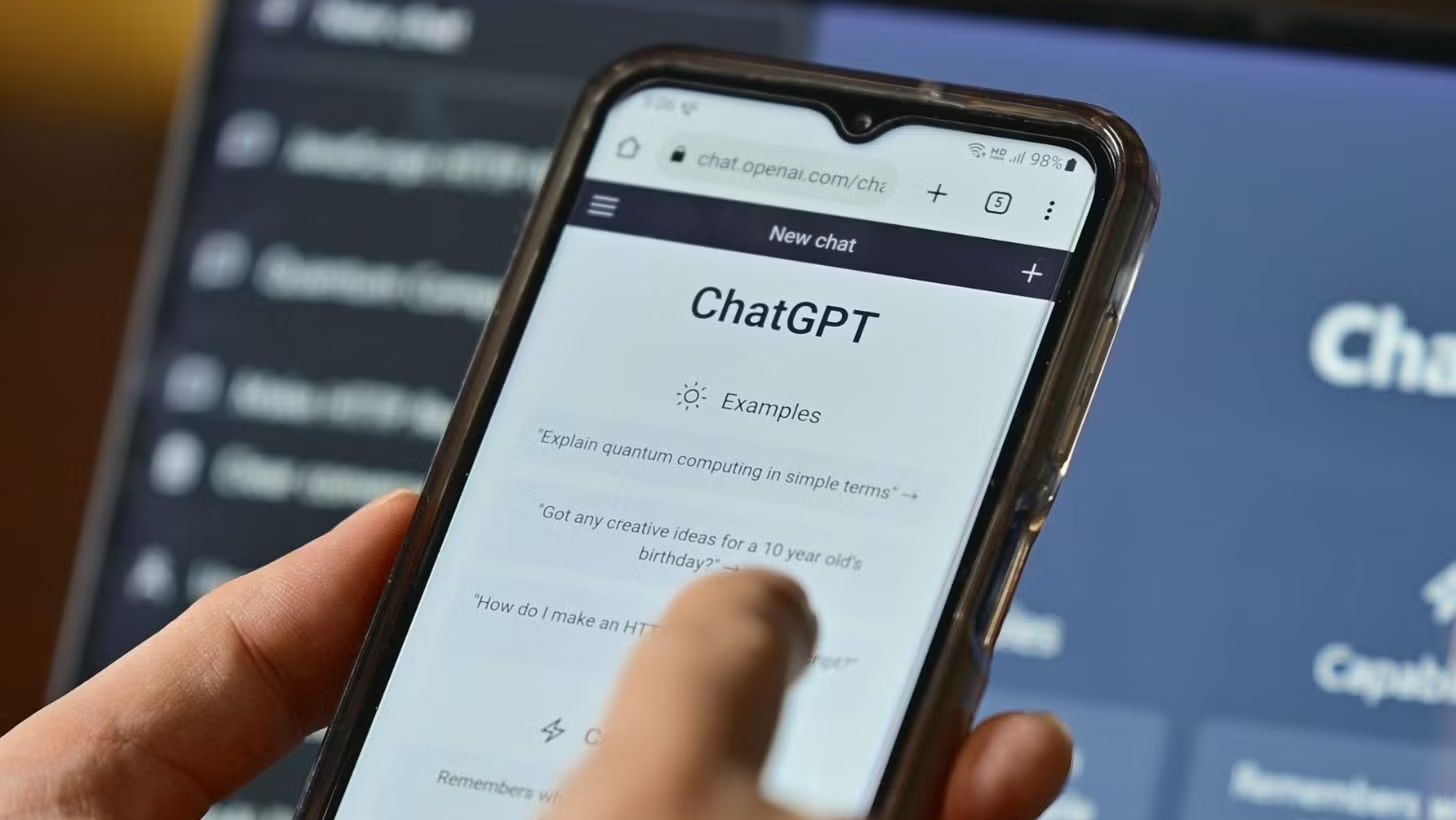
ChatGPT in Your Pocket? Seriously, It Makes Me So Productive!
As a tech editor who tinkers with gadgets and AI software every day, I have to be honest. ChatGPT is a real revolution! And what’s most exciting is that it’s now so easy to access on your phone, both Android and iOS. Frankly, after trying it out, the experience of using ChatGPT on a smartphone is on a whole other level. It feels like having a super-smart personal assistant, anytime, anywhere. Whether you want to brainstorm content ideas, compose important emails, or just brainstorm, it’s all at your fingertips. No wonder that until July 2025, this application has become my daily driver!
Getting Started: Simple, No Junk Apps
Okay, first things first. To have a smooth experience like mine, make sure you download the official “ChatGPT” application from OpenAI. Don’t make a mistake, there are so many ‘clone’ apps on the Google Play Store or Apple App Store. Look for the one with the OpenAI logo, that’s the real one and the safest. After installation, the login process is very easy, you can use your Google, Apple account, or register with a new email. Super user-friendly, I guarantee you won’t be confused.
User Experience and Cool Features That Keep Me Hooked (July 2025 Update!)
Once you’re in, the interface is very simple, clean, typical of high-end AI applications. You are immediately presented with a chat column. This is where the ‘magic’ happens. I often use the voice input feature; seriously, this is super practical when I’m on the go or don’t want to type long messages. Just speak, and ChatGPT processes it instantly. The definition of ‘AI in your pocket’!
Well, by mid-2025, there have been several updates that make my experience even more next level. Besides being able to prompt regular text, multimodal input is now even more sophisticated. I can upload photos or even screenshot graphs, then ask ChatGPT to analyze them, create a summary, or even generate code from the images. This definitely makes me more efficient and really helps with my work, which often deals with visual data.
Custom GPTs “My GPTs” (You’ll Love This Too!)
This is what makes ChatGPT on your phone even more addictive: The Custom GPTs feature or what I now often call ‘My GPTs’ on the mobile app. This is a real game changer! You’ll love this too: You can create or use GPTs that have been customized for specific purposes, such as my ‘SEO Article Writer GPT’, or the ‘Holiday Itinerary Maker GPT’ that I used when I wanted to go on a trip. So the results are more focused, more accurate, and relevant to our needs without the need for repeated prompting from the beginning. Seriously, this makes my workflow more streamlined!
Choose the Right AI Model: Free is Okay, Plus is Super Fast!
For the AI model, if you’re a free user, you’ll mostly access GPT-3.5. It’s good, don’t get me wrong, but if you’re like me who needs maximum performance for work or exploring advanced features, upgrading to ChatGPT Plus is totally worth it!
With Plus, by default you can directly switch to GPT-4 or the latest, more advanced models (like GPT-4o or subsequent versions that are even more powerful by mid-2025). Well, seriously, the data analysis, image, and context understanding capabilities are on a different level. The responses are more accurate, more detailed, and sometimes make me think ‘is this really AI or not?’.
Speed and Experimental Features (You’ll Love This Too!)
You’ll love this too: With access to the most advanced models in the Plus version, the response speed is significantly faster, especially when you need quick ideas or are multitasking. I can ask a lot of things in sequence without long pauses. Plus, access to experimental or beta features that haven’t been released to the public is also a privilege in itself. This is what keeps my experience at the forefront of AI technology.
Here Are Some Ways I Use ChatGPT on My Phone (Maybe You Need It Too!)
So, what can you do? Basically anything! From making summaries of super dense articles into just a few key points, composing perfect formal or informal emails, to asking for healthy recipe ideas ala Boogeng (I like to cook too, guys!). I also often use it to brainstorm article title ideas or initial drafts for gadget reviews. Seriously, it helps boost my daily productivity and keeps me up-to-date without missing a moment.
Final Thoughts from Me: Don’t Wait, Try It Now!
In short, having ChatGPT on your phone really puts the power of generative AI in our hands. It’s not just a tool, but like a work partner who’s always ready. With the updates and increasingly advanced features until July 2025, ChatGPT is becoming increasingly inseparable from my fast-paced lifestyle. So, for those of you who haven’t tried it, what are you waiting for? Go download it, feel the power yourself, and let’s explore the future together!












