
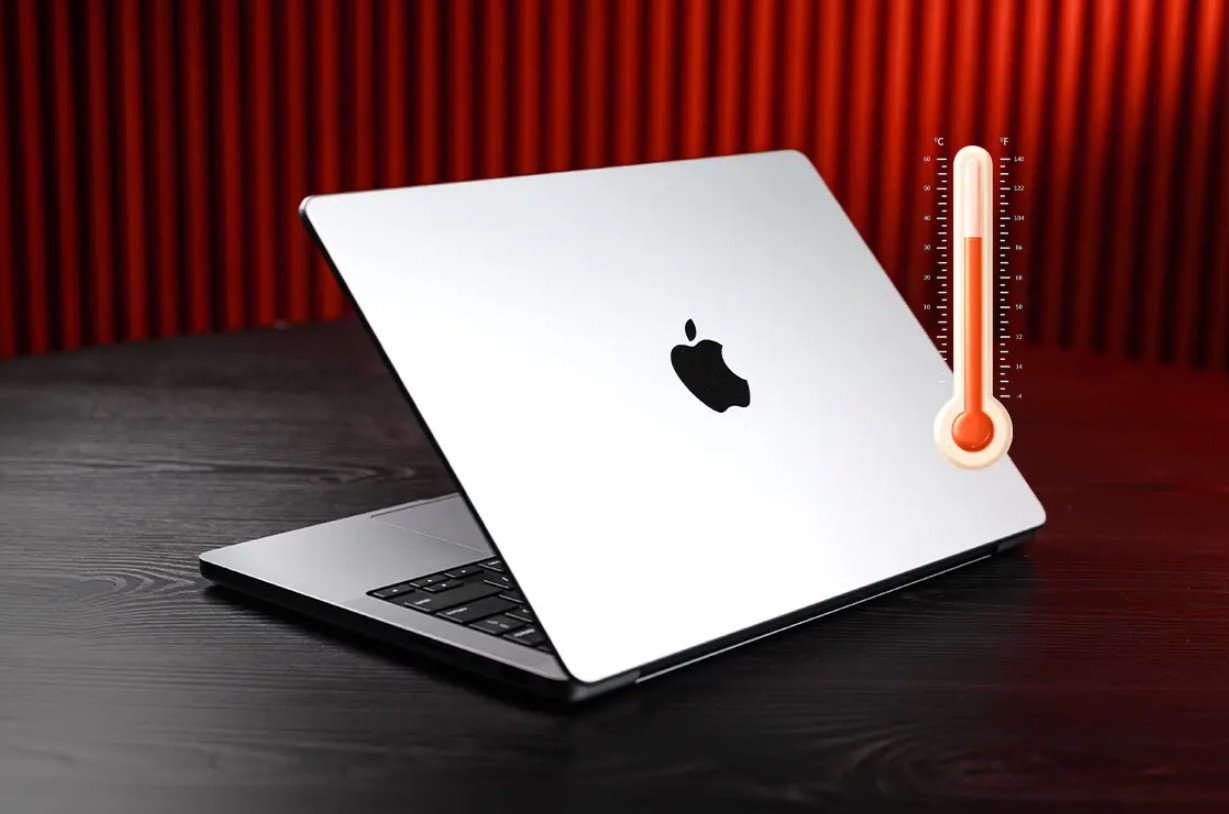
Using an overheating MacBook can be frustrating. Although Apple is known for its premium designs, their laptops have a weakness: a lack of ventilation to dissipate heat.
Don’t worry, there are several practical steps that can help keep your MacBook cool while in use.
- Close Power-Hungry Applications
- Remove Unused Browser Tabs
- Use a Laptop Stand or Cooling Pad
- Do Not Use on Soft Surfaces
Many applications consume a lot of CPU power, which ultimately triggers excessive heat. The solution is to open Activity Monitor in Finder, then click the CPU tab to see which applications are consuming the most power. Close those applications by clicking the “X” button in the upper left corner.
In addition, use third-party applications like CleanMyMac to clean up application remnants that interfere with performance. This can reduce the CPU load and help keep your MacBook cool.
A bad habit often done is opening many tabs in the browser without closing the unnecessary ones. This can consume a lot of RAM and CPU. It’s best to use extensions like OneTab to tidy up all unused tabs into one, thus saving power and keeping the MacBook’s temperature stable.
One of the simplest but most effective ways is to use a laptop stand or cooling pad. By lifting the laptop, air circulation under the device will be better, helping heat escape more efficiently. Cooling pads also come with additional fans that can help keep the temperature low.
Using a MacBook on a bed or on a pillow is a bad habit. Soft surfaces actually trap heat and cause the laptop’s temperature to rise quickly. It’s best to use it on hard surfaces such as a table or a special laptop base that supports air circulation.
Conclusion
MacBooks do have a sleek and elegant design, but their weakness in managing heat can be a problem. By closing power-hungry applications, removing unused browser tabs, and using stands and cooling pads, you can keep your MacBook cool and its performance optimal. Remember, maintaining a stable temperature not only helps with user comfort, but also extends the life of the device. Always prioritize efficiency!












