
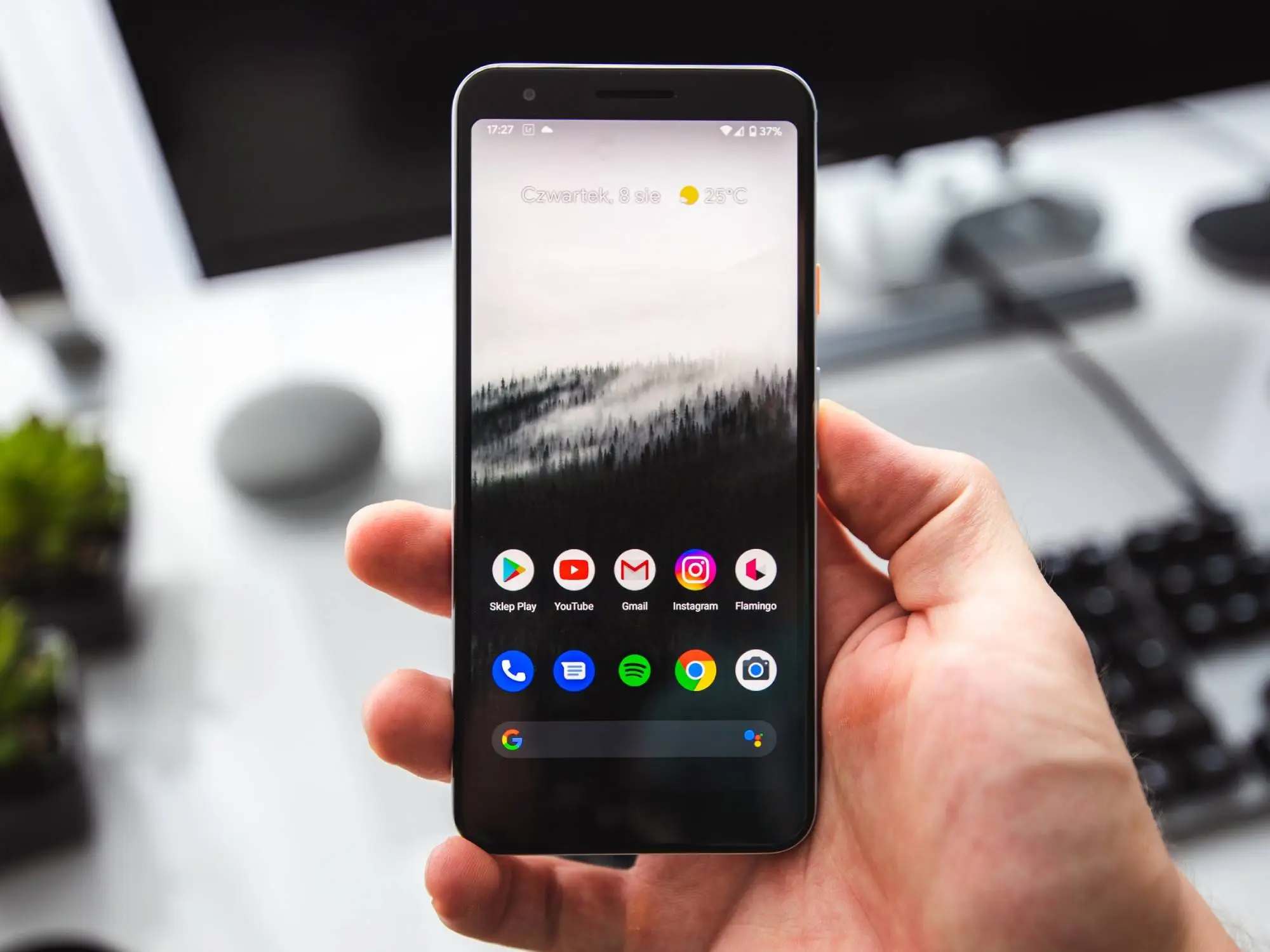
Does your Android phone often feel sluggish and slow when opening applications? This condition can cause the phone to overheat quickly and drain the battery faster. Moreover, older phones tend to experience this problem more frequently, especially if the internal memory is full and there are many junk files that are not cleaned.
To overcome this problem, there are three features that you can activate in your Android phone’s settings to make your phone run smoothly and lag-free:
- Animation Scale Go to settings, select the ‘About phone’ menu and tap ‘Version’ five times on the ‘Build number’ to open developer mode. Go back to the main menu, enter ‘Additional Settings’ and select ‘Developer options’. Scroll down and disable or change ‘Window animation scale’, ‘Transition animation scale’, and ‘Animator duration scale’ to 0.5.
- Battery Mode Activate the battery saver mode available in the settings to reduce power consumption and extend battery life.
- Clear Cache and Data Regularly clear the cache and data through the application settings to remove unnecessary temporary files.
By activating these features, your Android phone will be lighter and its performance will be like new again.












